

Brook X ONE Adapter – XBOX ONE to Switch / PS4 / XBOX ONE and PC Ltd Ed Wolf Grey
$ 23.83
This Limited Edition version includes a draw string bag Supports Switch, PS4, PC (XID) – Use your Xbox One controller to play games on PS4, Switch, XBOX ONE and PC (XID) Wireless control (for PS4/SW) – Play PS4, Xbox One and Switch with Xbox one controller wirelessly. Supports motion control (for PS4/SW) Audio function (for PS4 / Xbox one) – Use your headset on Xbox One controller. (for PS4/Xbox one) Supports turbo and remap – Setting the button configuration by yourself. Rechargeable Battery – You can play Xbox One controller when you are charging the battery. Emulate PS4 touchpad via combo keys.(for PS4) Device mode switching instructions If your X One Adapter is connected to Xbox One or Xbox One X, you need to Press the Brook Key to turn the power off, then Long Press the Brook Key. Please press the Switch button when the Brook Key flashing LED light, When you press the switch button for more than 2 seconds, and the LED light stop flashing, it means mode switching is successful. Please press the Brook key to wake the Xbox One controller. When you press the switch button for more than 2 seconds, and the LED light stop flashing, it means mode switching is successful. Please press the Brook key to wake the Xbox One controller. Headset supported when X one Adapter is in PS4 mode and used on PS4. Whenever it sleeps/wake up, it will remember the last switch mode setting. Button Configuration Turbo setting Turbo function availbale buttons : A,B,X,Y,LB,RB,LT,RT,LTSB,RTSB,Paddles(1,2,3,4), In tatal 14 buttons (refereed to as FK). For setting paddles, you need to clear the original setting on Xbox One before setting turbo on them. *Press Brook Key Menu (LED display will do off) to save the Turbo setting. Remap Setting Remap function available buttons : ,,,,A,B,X,Y,LB,RB,LT,RT,LTSB,RTSB, in total 14 buttons (referred to as FB). *Press Brook Key Menu (LED display will go off) to save the Remap setting. Intro Video (Package does not include key ring) How to charge the battery and the LED display [youtube https://www.youtube.com/watch?v=tV5yyA5DoXQ?wmode=transparent&jqoemcache=OP14e] [youtube https://www.youtube.com/watch?v=GNpICjpLhDw?wmode=transparent&jqoemcache=f8V4o] [youtube https://www.youtube.com/watch?v=5uNjO4vEtWk?wmode=transparent&jqoemcache=01wCy] [youtube https://www.youtube.com/watch?v=VaGYS7YOsQ4?wmode=transparent&jqoemcache=v19D5] Precautions 1. Please keep away from electrical conductive objects. 2. Please do not disassemble the battery or place it in high temperature environment. 3. Please recycle the battery when not in use. For full instructions and an overview please visit the Brook Website
Related products
-
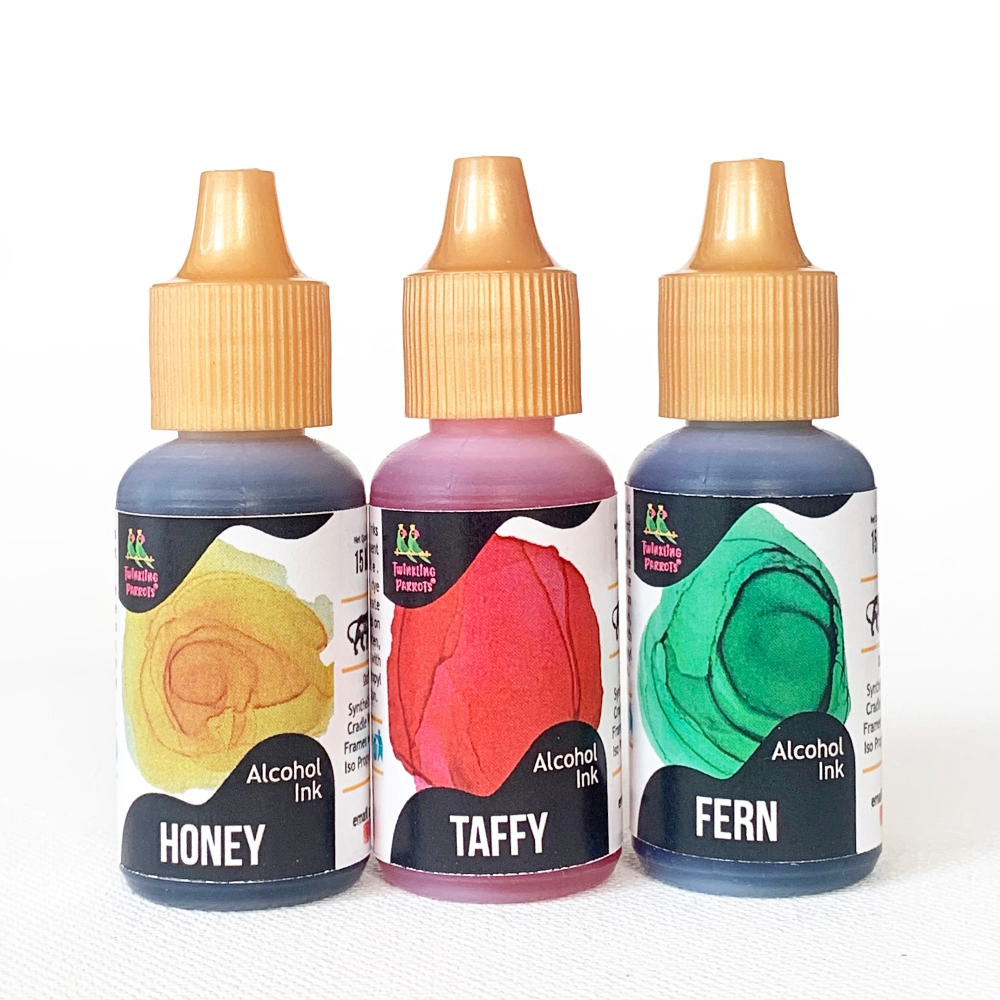
Taffy Squad | Alcohol Ink | Honey – Taffy – Fern
$ 2.27Long sleeve - Cotton Shirt - Black - Red Graphic on Back -
-
Watermelon Squad | Alcohol Ink | Watermelon – Teal – Daffodil
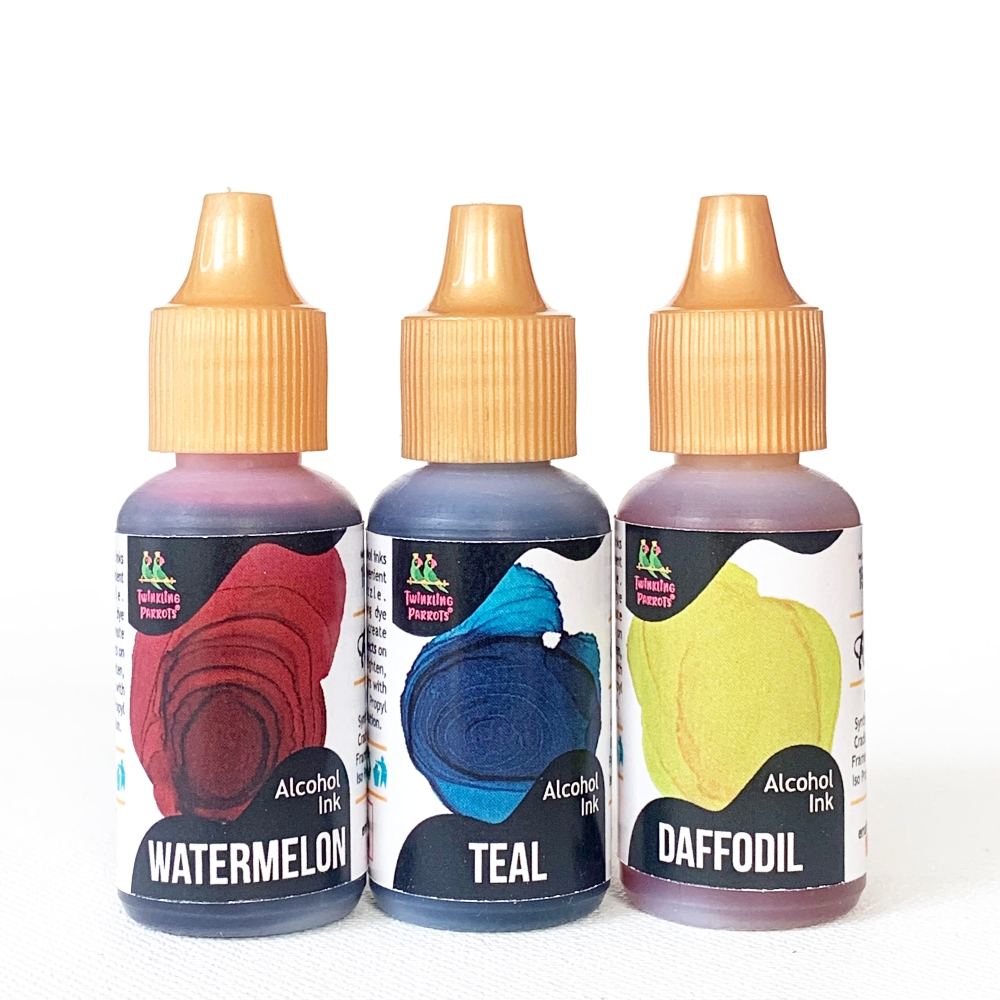
Watermelon Squad | Alcohol Ink | Watermelon – Teal – Daffodil
$ 2.27Bamboo Golf Shirt - Men's - Red - White PWU Logo on Sleeve